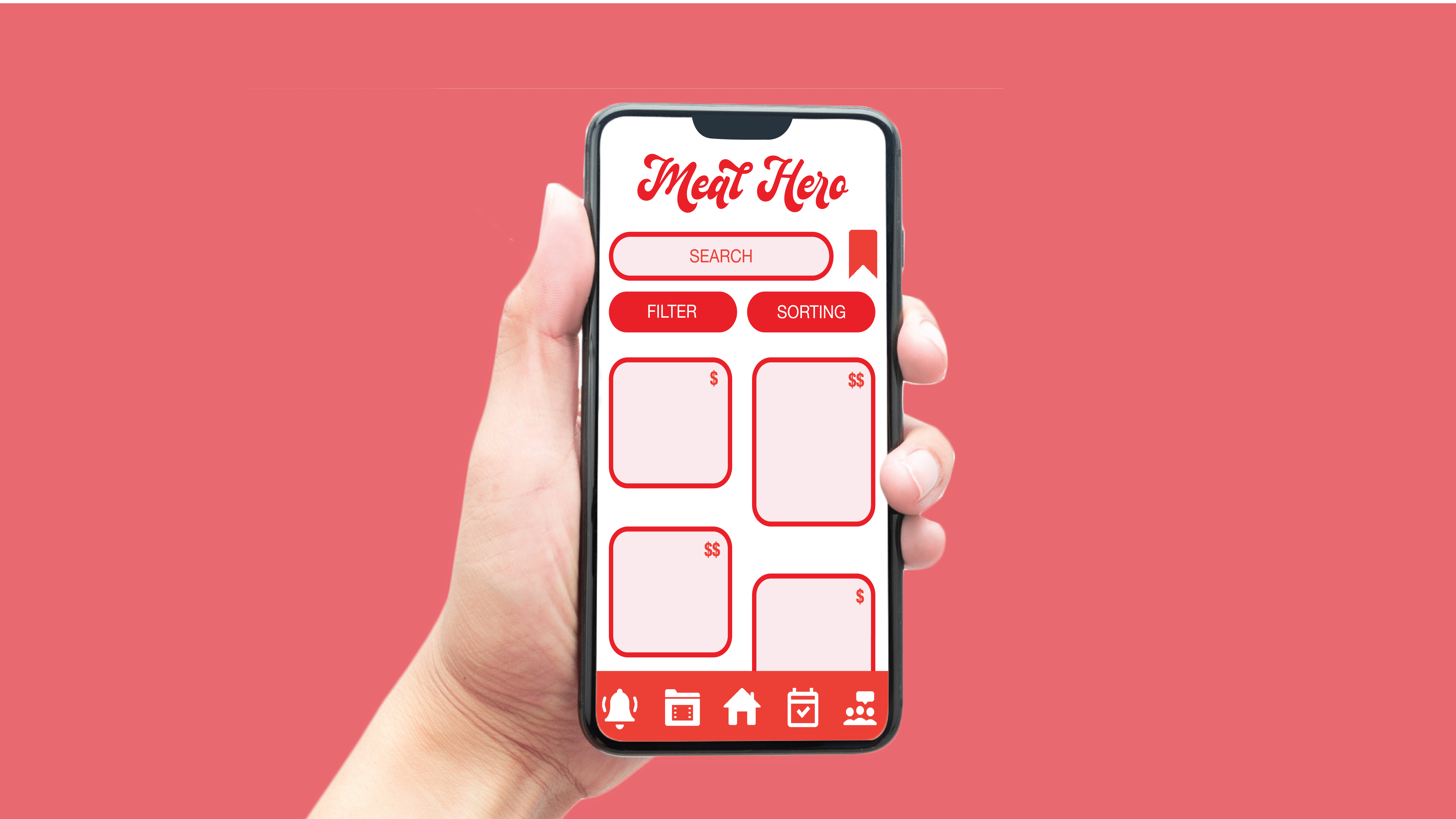
Meal Hero Hero

Meal Hero

UX/UI Research & Design — Meal Planning and Grocery Efficiency

Case Study

Meal Hero — Grocery & Meal Planning App

A UX/UI-focused case study exploring research, personas, user testing, and iterative design. Meal Hero helps users reduce food waste, save money, and plan healthier meals with convenience.

Overview

Grocery shopping and meal planning can be time-consuming, expensive, and wasteful. Our research revealed that users want a tool that saves money, prevents waste, and makes meal planning simpler — all while fitting into busy lifestyles.

Challenge

Consumers struggle with overspending, wasting groceries, and sticking to meal plans. Existing tools are fragmented and don’t address both financial and organizational pain points.

Outcome

A mobile-first app designed around user research, with features including: budget controls, recipe inspiration, daily meal scheduling, reminders to prevent waste, and social sharing for support and ideas.

Budgeting
Stay within limits while shopping
Less Waste
Smart reminders prevent spoilage
Healthier Choices
Meal planning reduces eating out

Role & Timeline

Role
UX Researcher & UI Designer (user research, personas, testing, affinity diagramming, prototyping)
Timeline
~8 weeks (research, interviews, synthesis, ideation, prototyping and usability testing)
Tools
Figma, Miro (affinity diagrams), Google Forms (screener), contextual interviews, Zoom, FigJam

Personas

Sophia — Busy Young Professional

Bio: 29-year-old marketing coordinator living with her partner. Works 40+ hours a week and cooks dinner most nights.

Goals: Save money, eat healthier, waste less food.

Pain: Overspends at the grocery store, food goes bad before being used, struggles to plan meals consistently.

Fit: Uses Meal Hero to budget groceries, plan meals, and receive reminders to check pantry before shopping.

Jordan — Graduate Student

Bio: 25-year-old graduate student balancing school and part-time work. Lives with roommates.

Goals: Save time, find quick recipes, avoid wasting money on unused groceries.

Pain: Too busy for meal prep, ends up eating out often, lacks confidence in cooking skills.

Fit: Relies on Meal Hero’s quick recipe suggestions, simple daily meal scheduling, and notifications to prevent waste.

Style Guide

Type: - Logo / Branding: Script style (handwritten/retro food branding) - UI & Body: Inter or Poppins (clean, modern, highly legible)

Iconography: Flat, line-based icons in red/white for primary navigation (notifications, folders, home, tasks, community).

Process

1. Research Plan

  • Defined problem: grocery shopping inefficiency, overspending, and waste.
  • Methods: surveys + contextual interviews for qualitative & quantitative data.
  • Recruitment: 25–35-year-olds, cooks regularly, mobile users.

2. Recruitment Screener

  • Demographic + behavioral questions (age, income, cooking habits).
  • Focused on individuals who cook regularly but struggle with planning or budgeting.

3. Contextual Interviews

  • Conducted 3 interviews with users of varying lifestyles (students, professionals, parents).
  • Explored shopping habits, meal prep struggles, budgeting, and food waste.

4. Assessing Findings

  • Common struggles: food waste, overspending, lack of planning, dislike of grocery shopping.
  • Differences: some relied on apps, others on notes; some meal prepped, others never did.

5. Updated Personas

Refined from initial proto-personas after real interviews. Personas represent stressed professionals and budget-conscious students.

6. Affinity Diagram

Grouped findings into key themes: budget, convenience, stress, waste, inspiration, and routine.

7. Ideation (Key Design Ideas)

  • Budget caps to prevent overspending.
  • Favorite meals + organization into groups (summer, snacks, etc.).
  • Daily meal planner with reminders.
  • Notifications to check fridge/pantry before shopping.
  • Video tutorials and community forums for meal inspiration.

8. Big Idea — Meal Hero

A mobile app for efficient, affordable, and engaging meal planning. Core features: meal search, budgeting, favorites, daily meals, reminders, videos, and forums.

Final Design

  • Meal Search: Find meals by budget, preference, or inspiration.
  • Meal Favorites: Save and organize meals into collections.
  • Daily Meals: Plan each day with breakfast, lunch, dinner.
  • Reminders: Notifications to prevent waste.
  • Community: Videos and forums for shared learning.
Wireframes – High-Fidelity Prototypes
Mobile wireframes: key flows (meal search, favorites, daily meals, reminders).
Meal Hero Mobile Wireframe 1
Meal Hero Mobile Wireframe 2
Meal Hero Mobile Wireframe 3
Meal Hero Mobile Wireframe 4

Key Learnings

  • Recruiting the right participants is crucial — proto-personas improved after contextual interviews.
  • Affinity diagramming helped clarify design directions from messy data.
  • Iteration is essential: every step from screener to final wireframe shaped the final product.

Impact

Meal Hero demonstrates the value of end-to-end UX research and design. By grounding design decisions in user insights, the final app aligns with real pain points: saving money, reducing waste, and lowering stress.

© Meal Hero Case Study — UX + UI. Built with Figma prototypes and research synthesis.