Engineering
Stack & Project Layout
client/              # React (role dashboards, forms, tables)
server/
  src/
    models/         # Mongoose schemas (User, Role, Training, Session, Assignment, Enrollment, Completion)
    middleware/     # auth.js (JWT), authorizeRole.js (RBAC), errorHandler.js
    routes/         # /auth, /users, /trainings, /sessions, /assignments, /enrollments, /completions
    controllers/    # handler logic per resource
    db.js           # MongoDB Atlas connection
    app.js          # Express app (CORS, JSON, routes, errors)
  serverless.json   # Vercel config (if using)
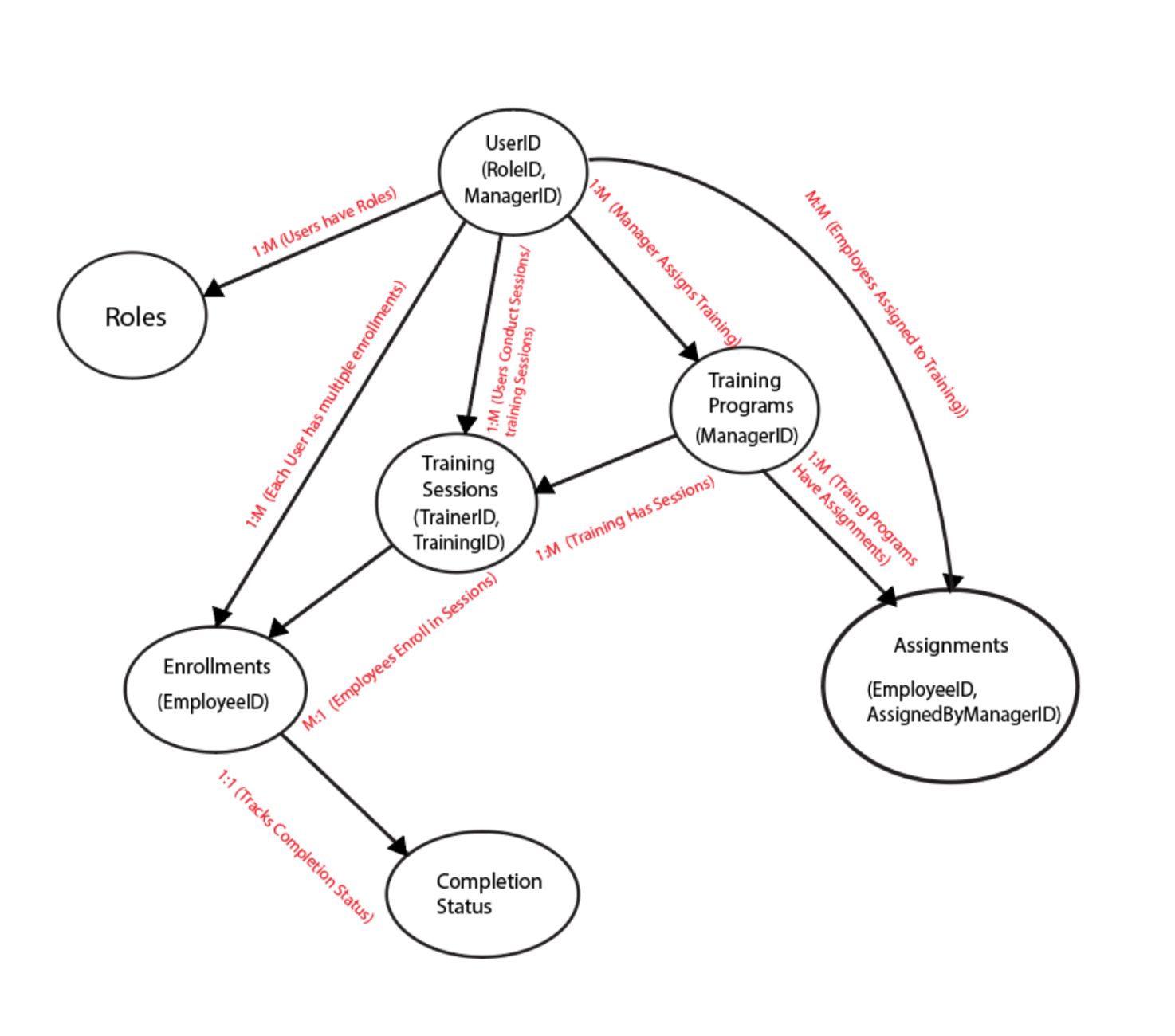
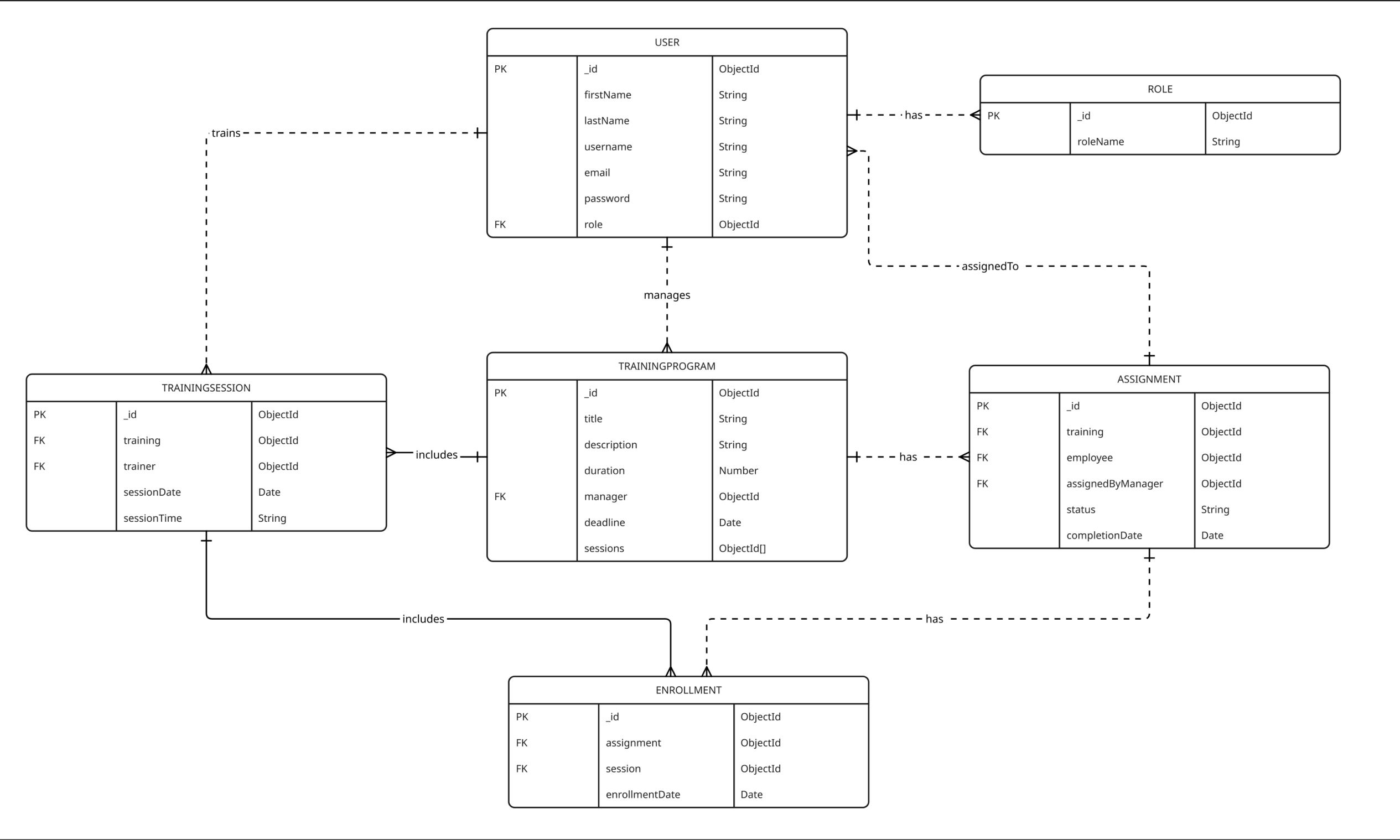
Database Requirements & Schemas (Mongoose)
// models/Role.js
const RoleSchema = new mongoose.Schema({
  name: { type: String, enum: ["ADMIN","MANAGER","TRAINER","EMPLOYEE"], required: true }
});

// models/User.js
const UserSchema = new mongoose.Schema({
  firstName: String,
  lastName: String,
  email: { type: String, unique: true, index: true },
  passwordHash: String,
  role: { type: mongoose.Schema.Types.ObjectId, ref: "Role", required: true }
});

// models/TrainingProgram.js
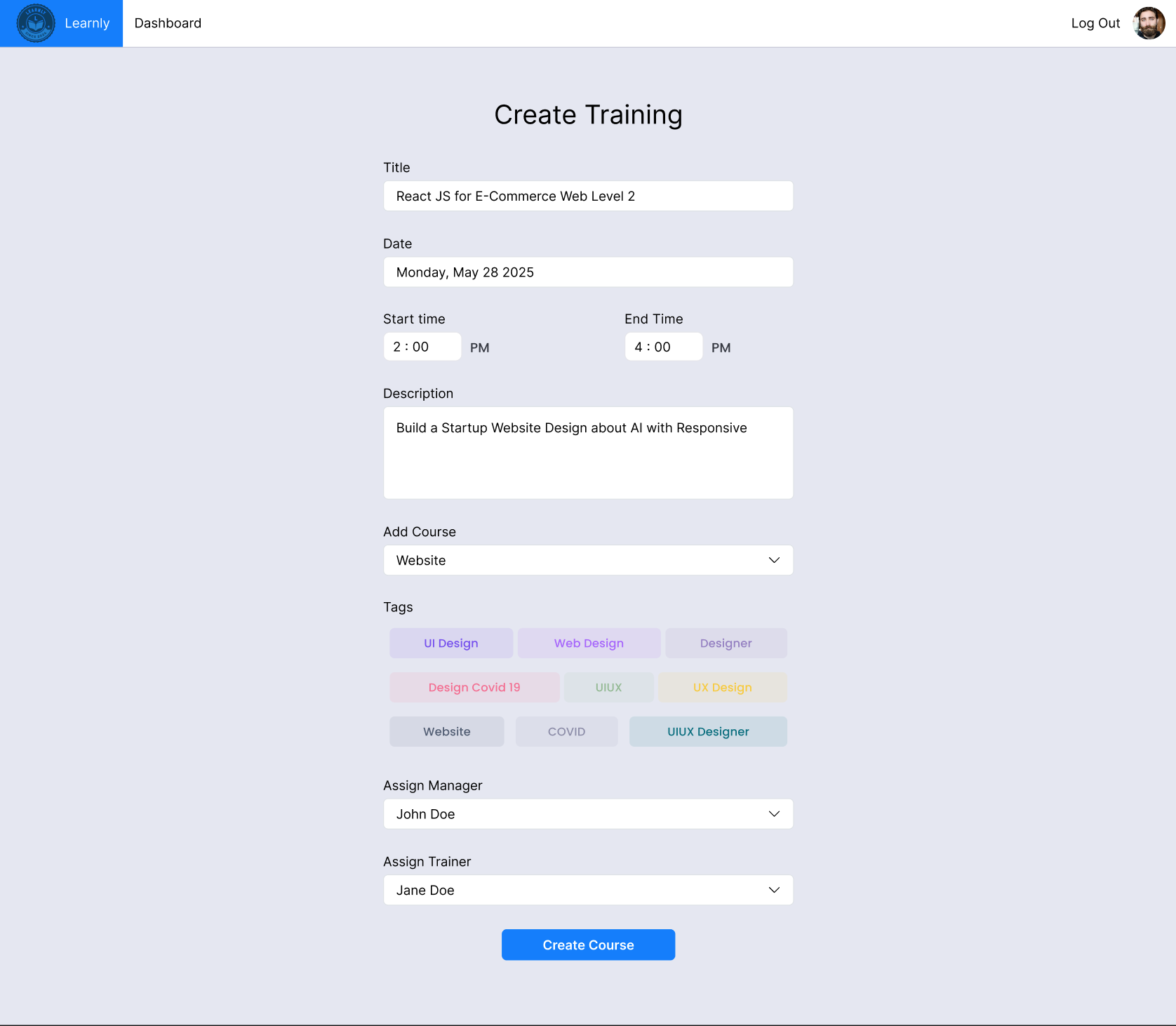
const TrainingProgramSchema = new mongoose.Schema({
  title: { type: String, required: true },
  description: String,
  duration: Number, // minutes or hours
  manager: { type: mongoose.Schema.Types.ObjectId, ref: "User" },
  deadline: Date
});

// models/TrainingSession.js
const TrainingSessionSchema = new mongoose.Schema({
  training: { type: mongoose.Schema.Types.ObjectId, ref: "TrainingProgram", required: true },
  trainer: { type: mongoose.Schema.Types.ObjectId, ref: "User" },
  sessionDate: Date,
  sessionTime: String
});

// models/Assignment.js
const AssignmentSchema = new mongoose.Schema({
  training: { type: mongoose.Schema.Types.ObjectId, ref: "TrainingProgram", required: true },
  employee: { type: mongoose.Schema.Types.ObjectId, ref: "User", required: true },
  assignedByManager: { type: mongoose.Schema.Types.ObjectId, ref: "User", required: true }
});

// models/Enrollment.js
const EnrollmentSchema = new mongoose.Schema({
  employee: { type: mongoose.Schema.Types.ObjectId, ref: "User", required: true },
  session: { type: mongoose.Schema.Types.ObjectId, ref: "TrainingSession", required: true },
  enrollmentDate: { type: Date, default: Date.now }
});

// models/CompletionStatus.js
const CompletionStatusSchema = new mongoose.Schema({
  enrollment: { type: mongoose.Schema.Types.ObjectId, ref: "Enrollment", required: true },
  trainer: { type: mongoose.Schema.Types.ObjectId, ref: "User" },
  completionDate: Date,
  status: { type: String, enum: ["COMPLETED","IN_PROGRESS","FAILED"], default: "COMPLETED" }
});
Connecting to MongoDB Atlas
// db.js
import mongoose from "mongoose";
const uri = process.env.MONGODB_URI; // mongodb+srv://user:pw@cluster/db?retryWrites=true&w=majority

export async function connectDB() {
  mongoose.set("strictQuery", true);
  await mongoose.connect(uri, { dbName: process.env.MONGODB_DB || "learnly" });
  console.log("✅ Connected to MongoDB Atlas");
}
.env (backend): MONGODB_URI,
JWT_SECRET, CORS_ORIGIN, etc.
Auth & Role-Based Dashboards
// middleware/auth.js (JWT)
export function requireAuth(req,res,next){
  const token = req.headers.authorization?.replace("Bearer ","");
  if(!token) return res.status(401).send("Unauthorized");
  try {
    req.user = jwt.verify(token, process.env.JWT_SECRET);
    next();
  } catch { return res.status(401).send("Invalid token"); }
}

// middleware/authorizeRole.js
export const authorizeRole = (...allowed) => (req,res,next) => {
  if(!allowed.includes(req.user.role)) return res.status(403).send("Forbidden");
  next();
};
REST Endpoints (examples)
// routes/trainings.js
router.post("/", requireAuth, authorizeRole("ADMIN","MANAGER"), createTraining);
router.get("/", requireAuth, listTrainings);

// routes/assignments.js
router.post("/", requireAuth, authorizeRole("MANAGER"), assignTrainingToEmployee);
router.get("/me", requireAuth, listAssignmentsForCurrentUser);

// routes/completions.js
router.post("/", requireAuth, authorizeRole("TRAINER"), markCompletion);
router.get("/", requireAuth, authorizeRole("ADMIN","MANAGER"), listCompletionsByProgram);
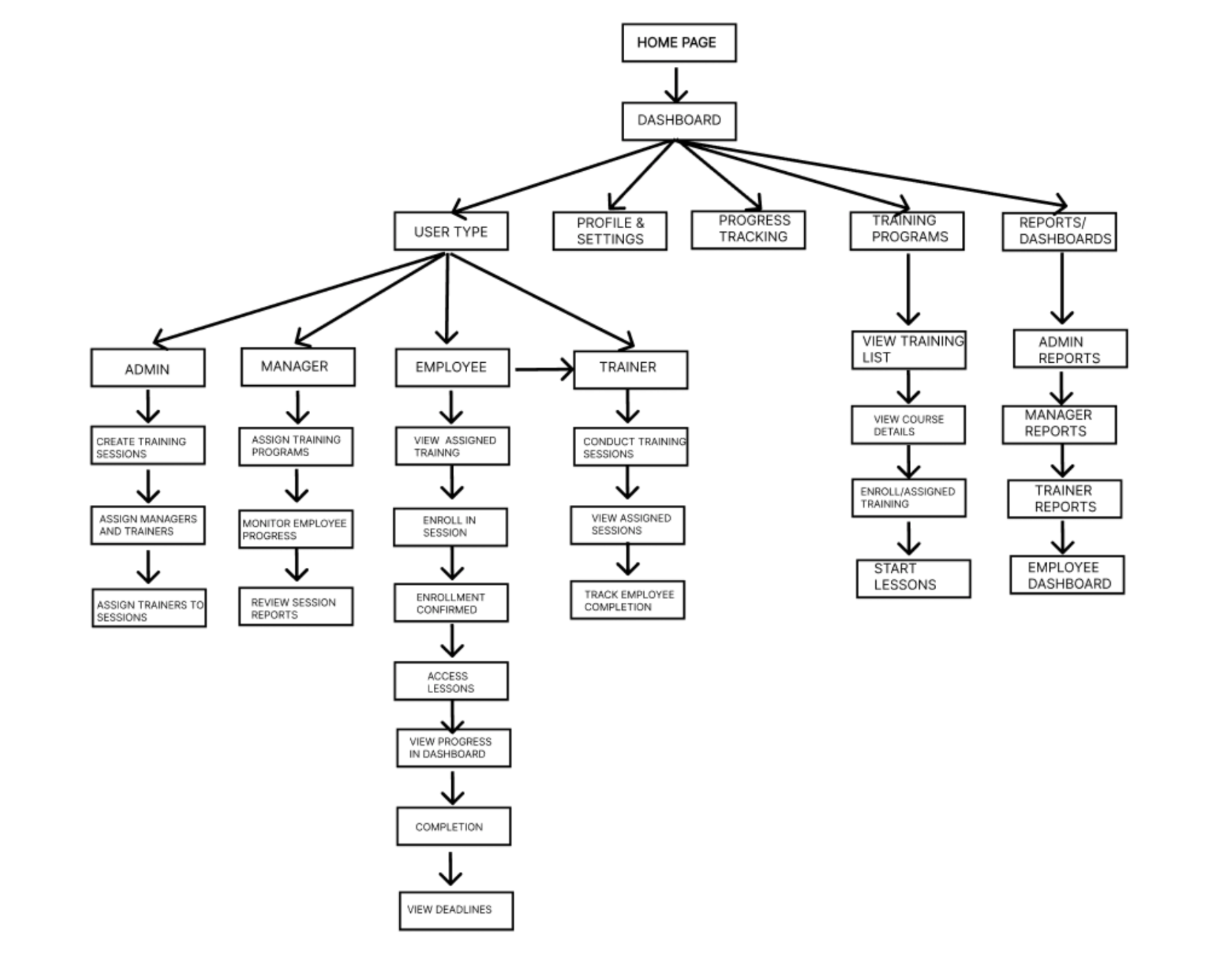
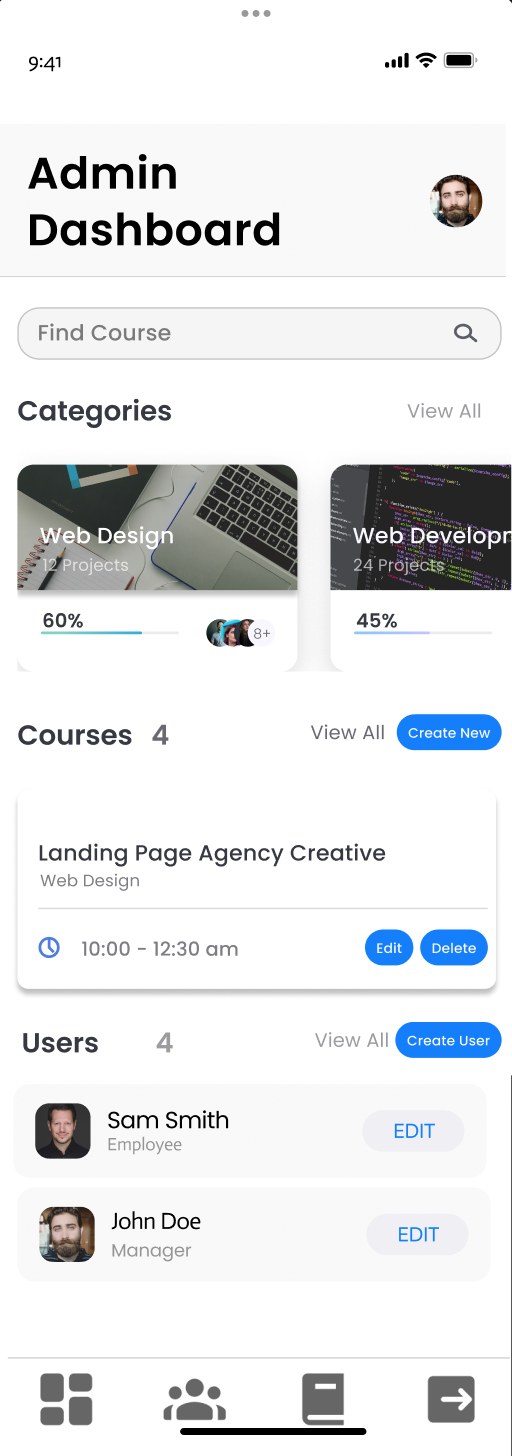
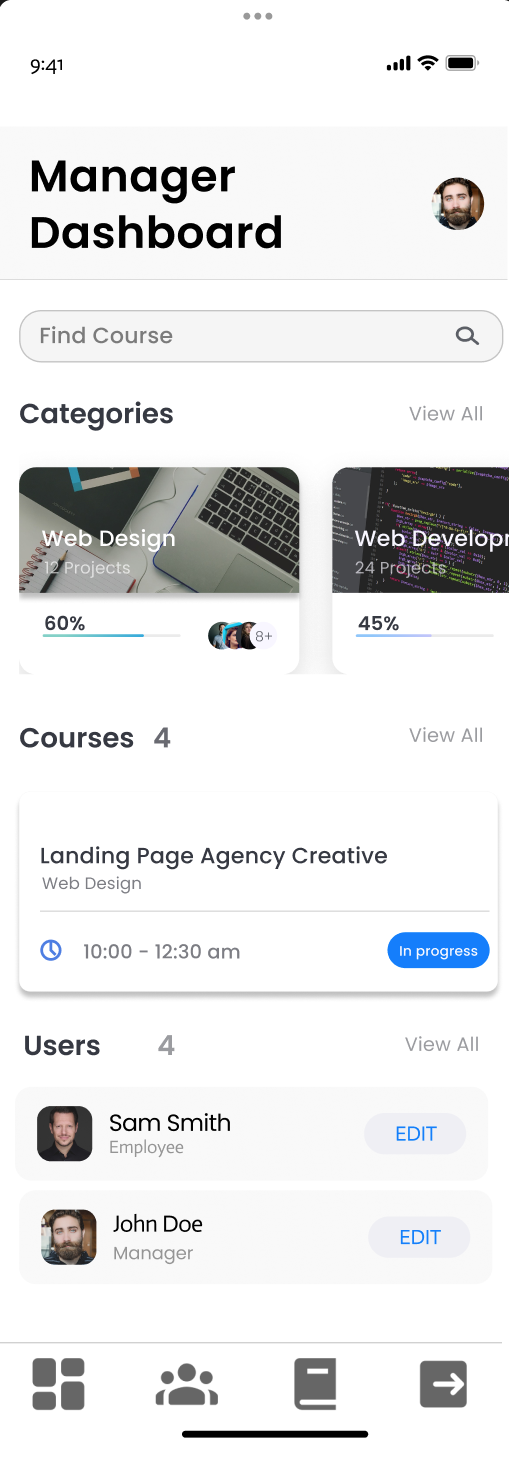
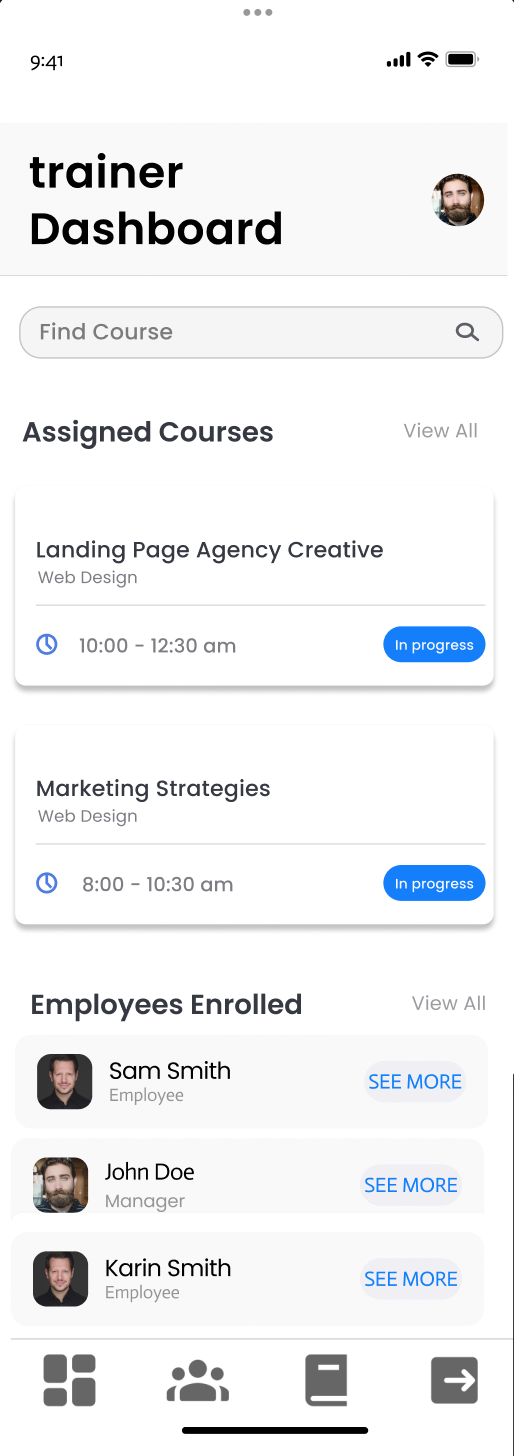
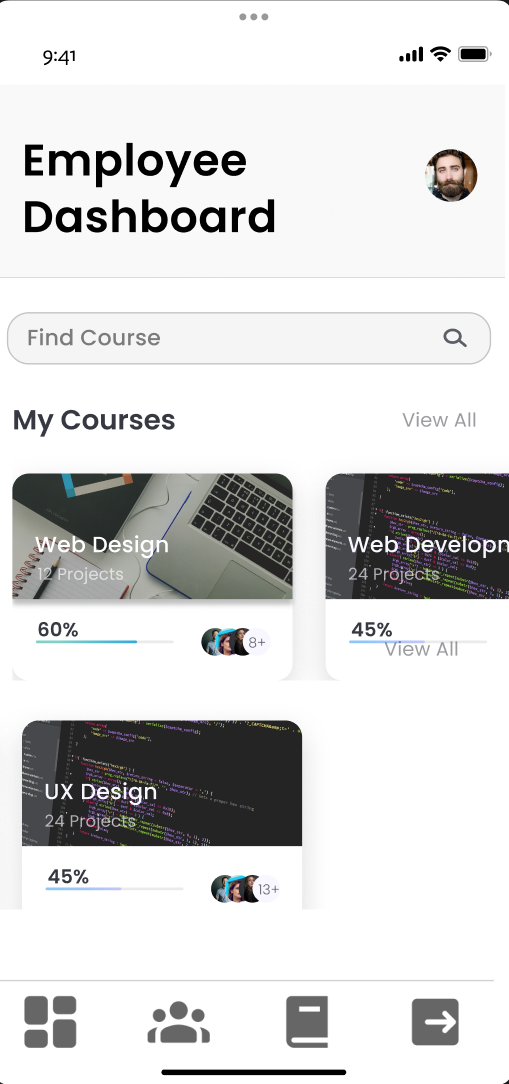
Frontend: Showing Different Dashboards
// client/src/App.jsx (conceptual)
const { user } = useAuth();
if (!user) return <AuthScreens />;

switch (user.role) {
  case "ADMIN":   return <AdminDashboard />;
  case "MANAGER": return <ManagerDashboard />;
  case "TRAINER": return <TrainerDashboard />;
  default:        return <EmployeeDashboard />;
}
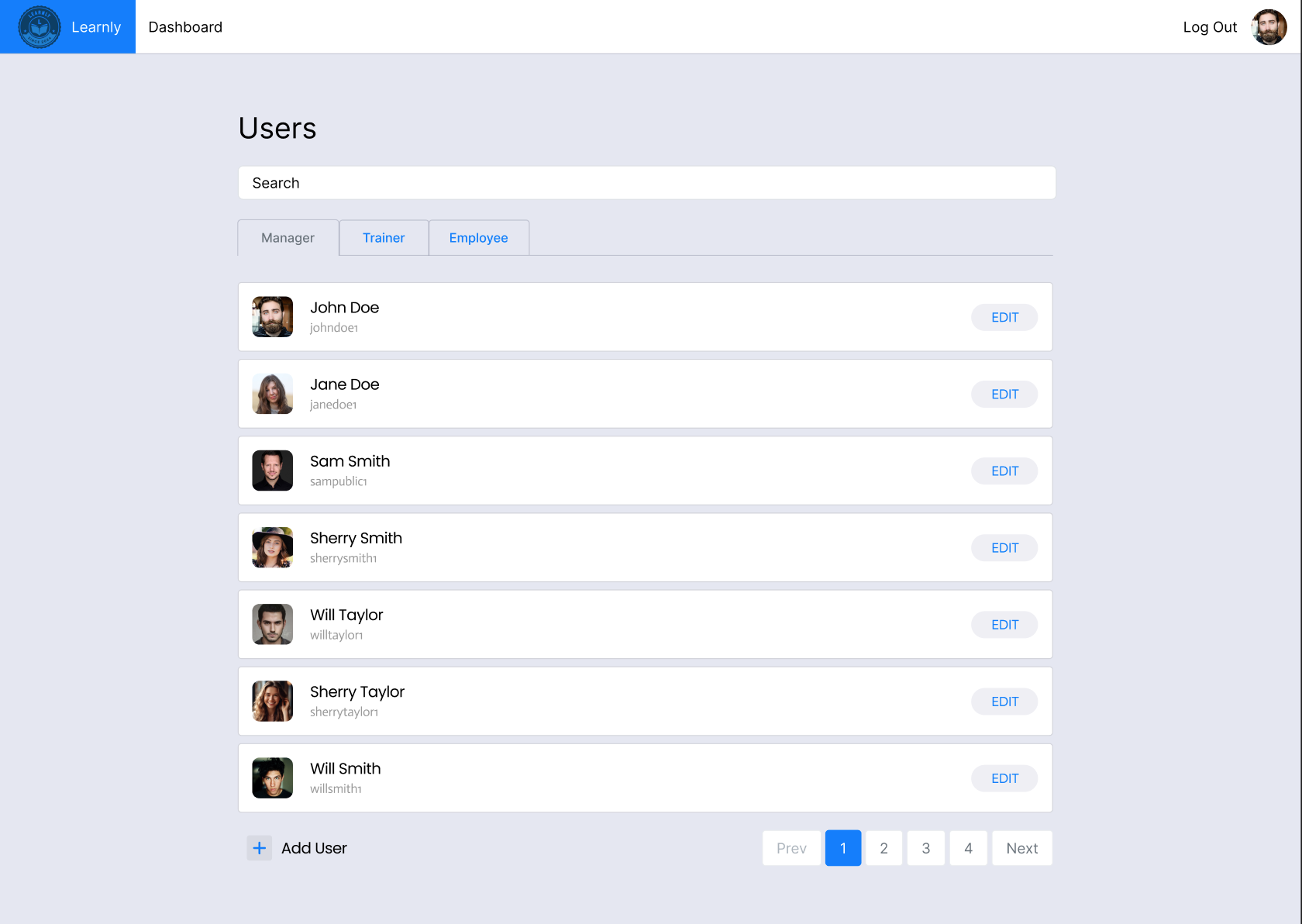
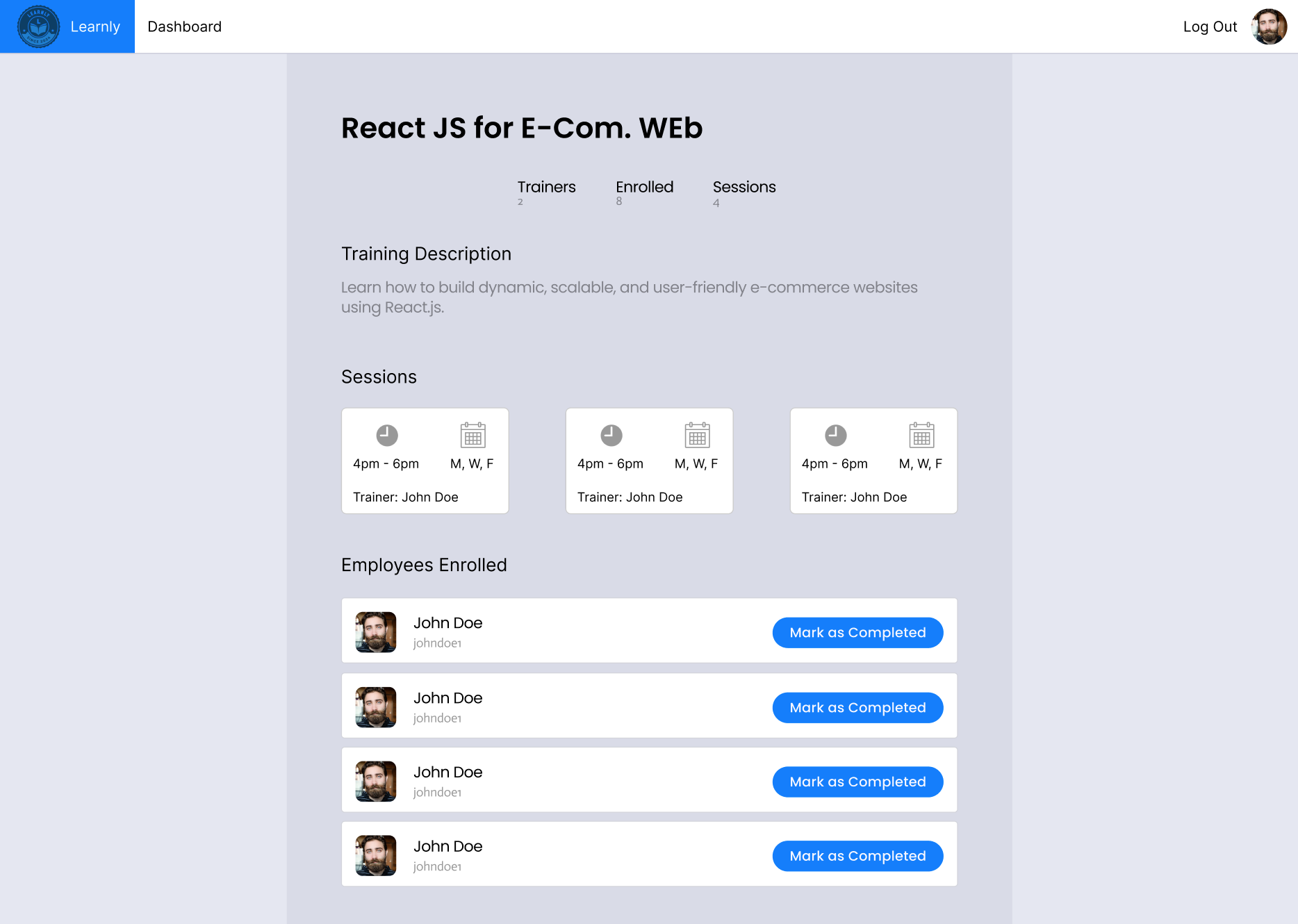
Each dashboard calls role-appropriate endpoints and renders tables
(trainings, sessions, assignments, enrollments, completions) with
filters, due dates, and actions.
Data Integrity & Auditing
-
Refs between documents (e.g., Completion → Enrollment →
Session/Training) preserve traceability.
-
Server validation ensures only trainers can mark completions;
managers assign; admins configure.
- Timestamps on all writes provide audit trails.